
Support · User Guide
Step-by-step guides
How to activate your physical card, and where to find everything else.
Physical card activation
Seven steps in the app — from the current site's guide, with screenshots.
1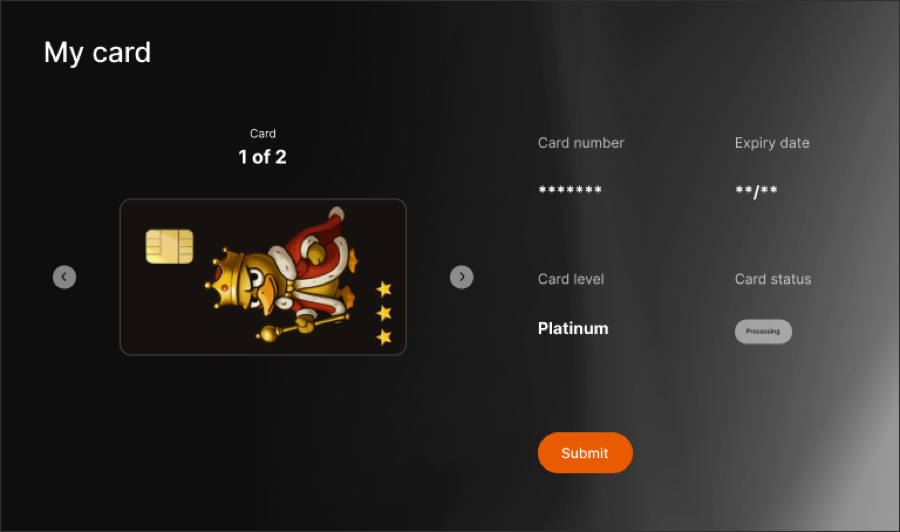 Start
Start
StartClick Activate to start
2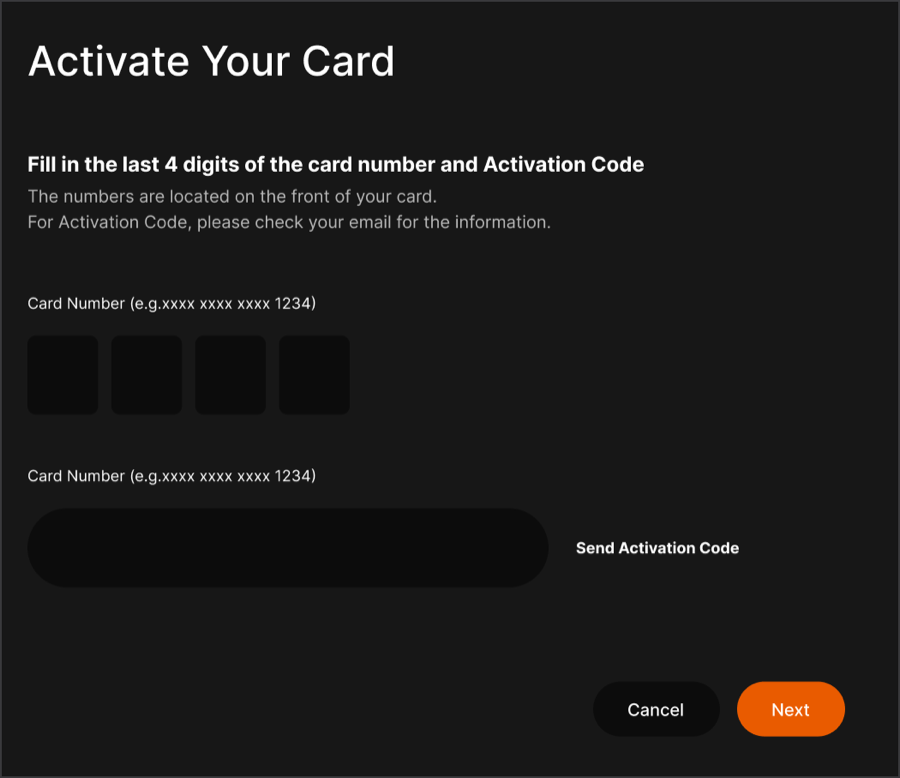 Send Code
Send CodeClick Send Activation code
3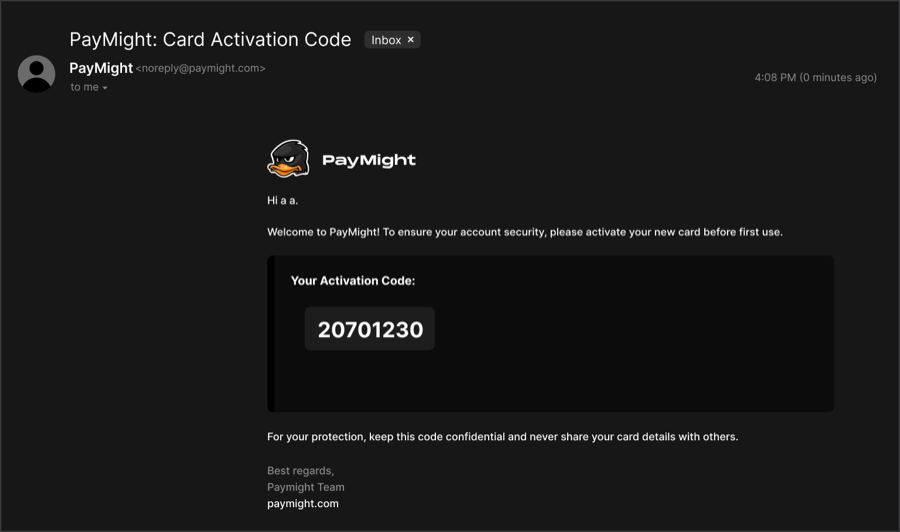 Check Mail
Check MailEmail with activation code is sent to your inbox
4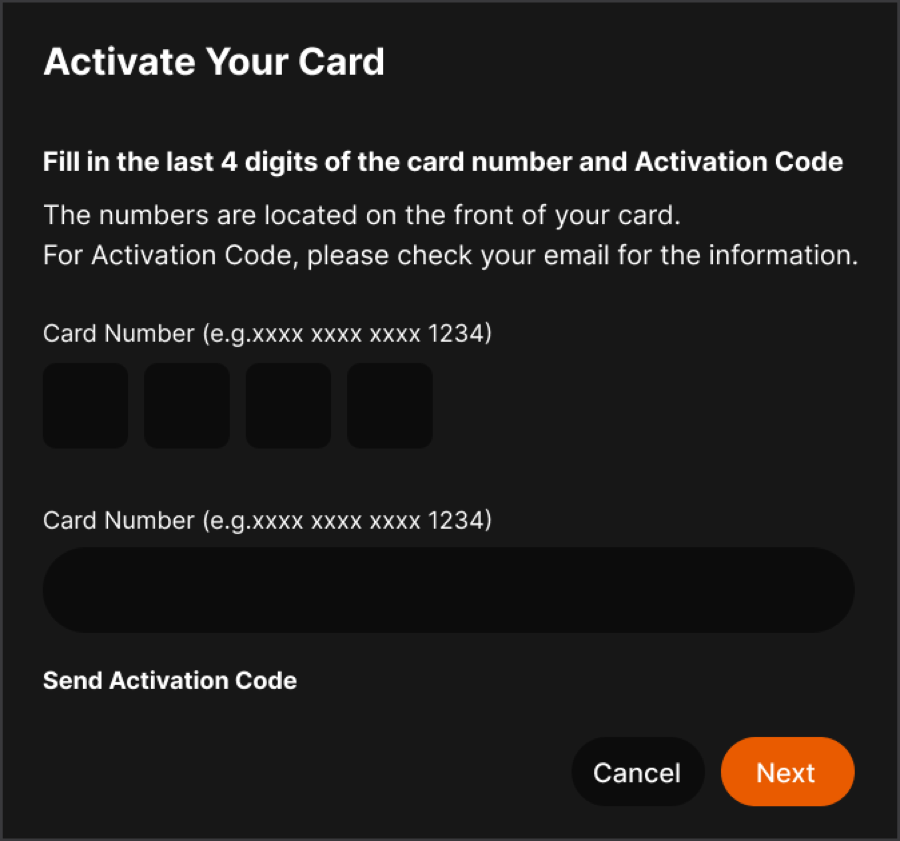 Enter Code
Enter CodeEnter activation code and last 4 digits of the card you received
5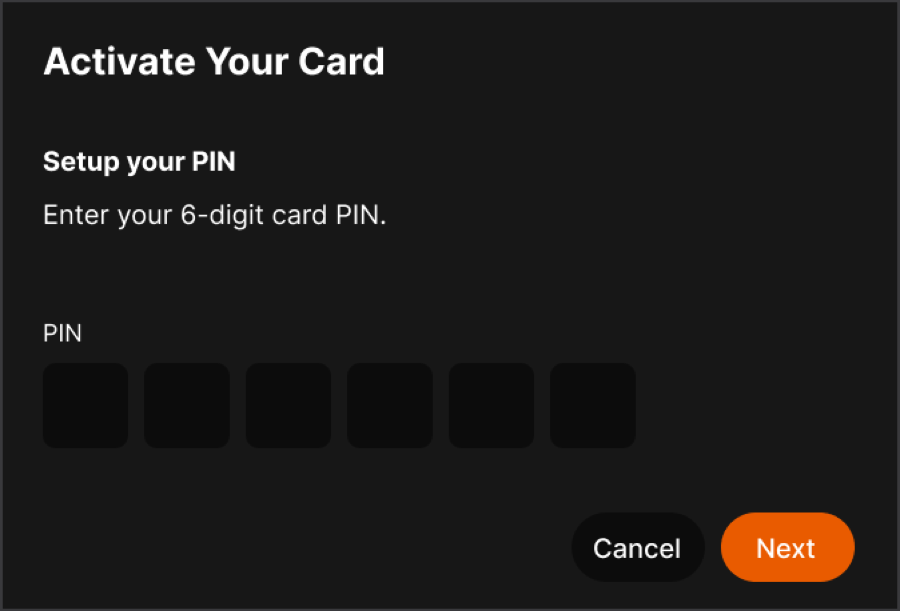 Enter PIN
Enter PINEnter a PIN code for your card
6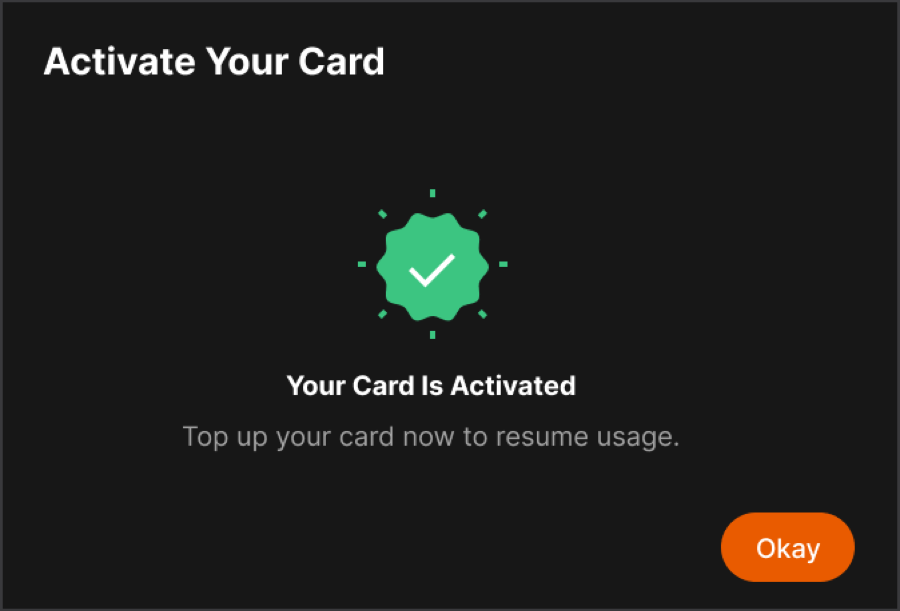 Confirm
ConfirmClick Confirm to activate your card
7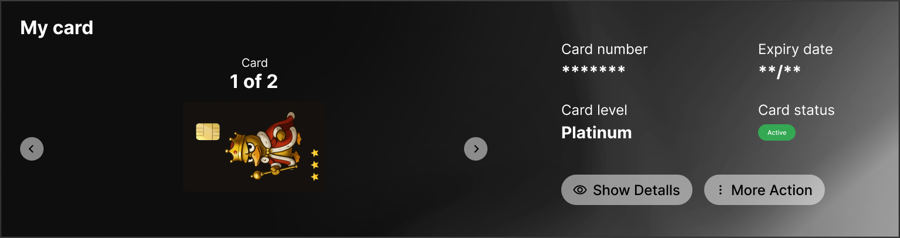 Check State
Check StateAfter activation, the card status shows Active
More guides
Apply for a cardCard → Apply new card → choose virtual or physical. MiCards →
Top up from MiBankCard → Top up → select a fiat balance.
Add to Apple Pay / Google PayCard details → Add to wallet.
Freeze or replaceMore actions → Freeze · Report lost · Replace.
Receive moneyAccount details & inbound payments →
Send & withdrawTransfers & bank withdrawals →